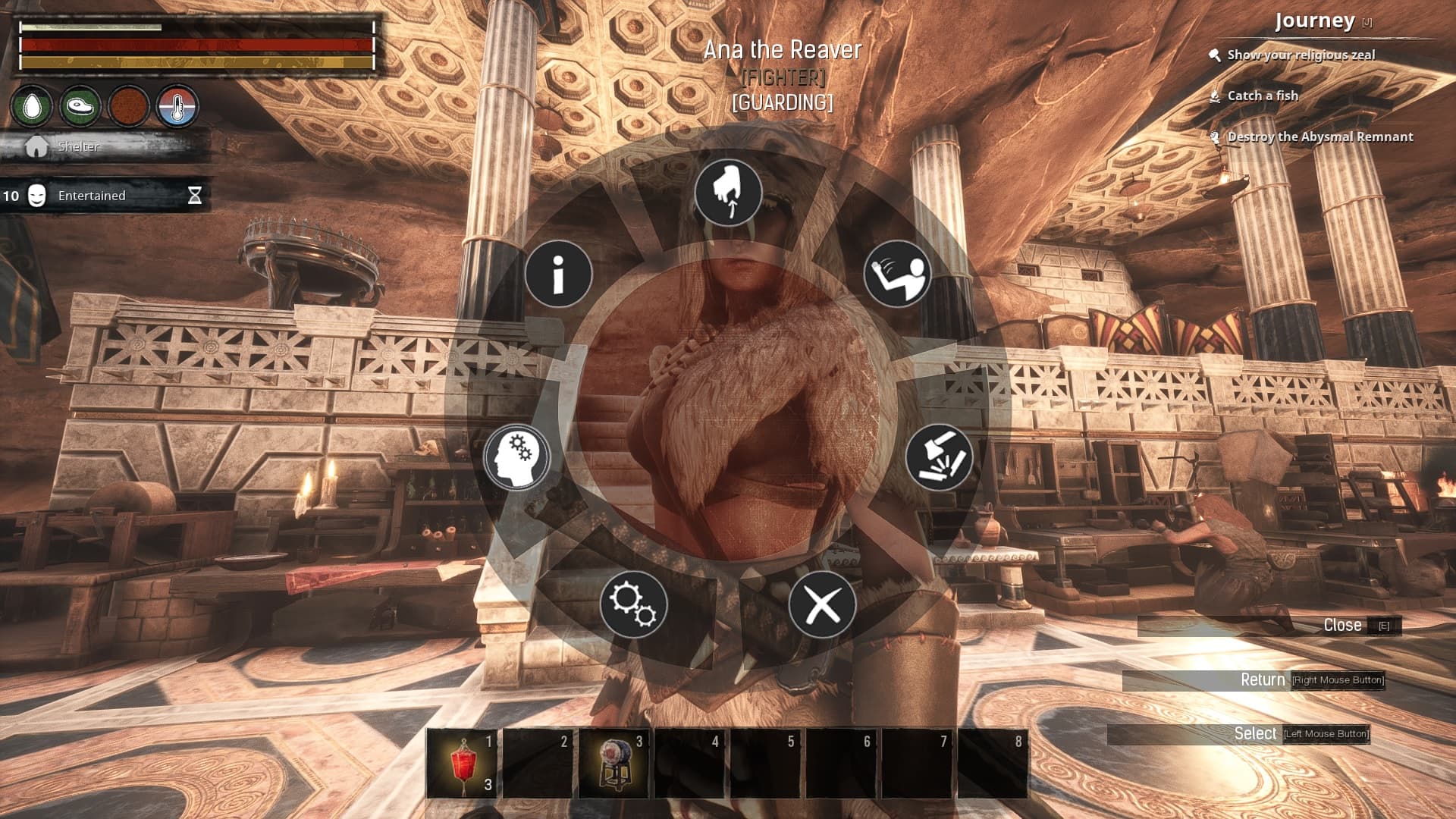
Any chance we can get hints on the wheel so we can see what thralls are set to? It could be anything - even text strings somewhere listing out the current settings. Or is this already a thing?
So for example you have a fighter set to 10m Chase, 10m Attack, Priority Mele, and Attack all. OK?
Now an enemy comes by 4 days later but your fighter doesn’t aggro. So he must need a farther distance for the “Attack Distance”. I want to bump it up one notch.
But I set him 4 days ago and I have 79 other fighters. What were his settings so I know if “one bump up” is to 15m or 30m. And was he set to Attack All, or did I forget and that’s why he didn’t aggro? See the problem? So, some way, any way I don’t care what, to see what his settings currently are.
The graphic I included is showing three different ways of achieving this all within the current wheel UI convention. The top row uses a little circle on the icon to show it’s been edited and what the current selection is, second row shows by less transparency in the arc segment, and the bottom row changes the color of the icon’s ring (to black in this case).
Shouldn’t be confusing. So for example you have a fighter set to 10m Chase, 10m Attack, Priority Mele, and Attack all. OK?
Now an enemy comes by 4 days later but your fighter doesn’t aggro. So he must need a farther distance for the “Attack Distance”. I want to bump it up one notch.
But I set him 4 days ago and I have 79 other fighters. What were his settings so I know if “one bump up” is to 15m or 30m. And was he set to Attack All, or did I forget and that’s why he didn’t aggro? See the problem? So, some way, any way I don’t care what, to see what his settings currently are.
The graphic I included is showing three different ways of achieving this all within the current wheel UI convention. The top row uses a little circle on the icon to show it’s been edited and what the current selection is, second row shows by less transparency in the arc segment, and the bottom row changes the color of the icon’s ring (to black in this case).
I took @Teng 's reply to mean he was suggesting that there would appear some information on the bottom right of the screen which would list out the properties. I'd be OK with that - NP!
OT:
And I might add that wheel selection(s) for this sort of editing is downright goofy. It’s got to be the worst UI convention for this kind of editing there is. Can’t think of a worse one - but I can think of MANY that are better. Nested wheels, what on Earth???

 So he must need a farther distance for the “Attack Distance”. I want to bump it up one notch.