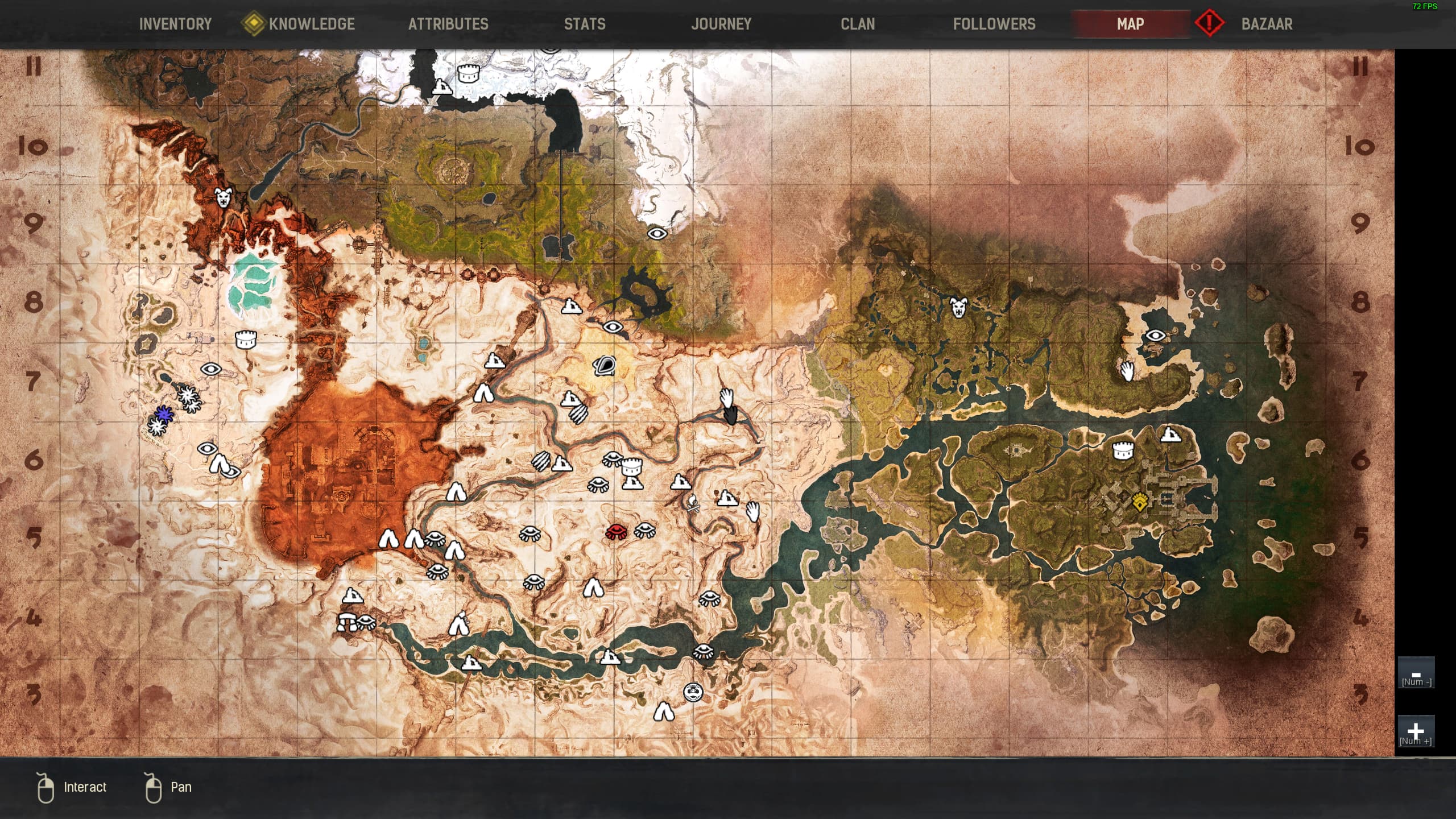
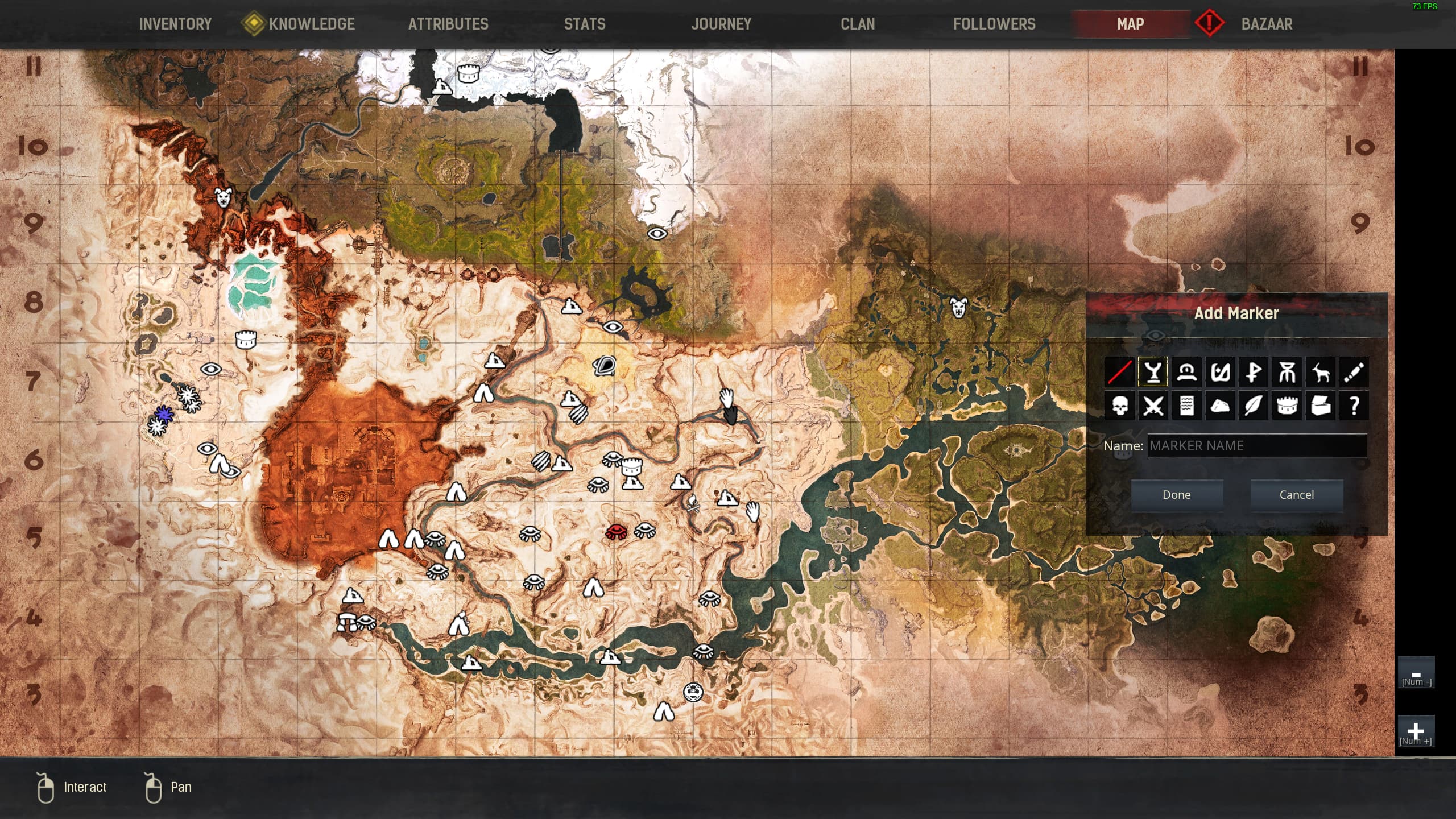
I’ve been spending more and more time exploring Conan Exiles lately, and one thing I’ve really gotten attached to is keeping track of the places that matter to me. Whether it’s a cave full of brimstone, a hidden enemy camp, or even just a nice-looking cliffside I like to revisit, I try to keep it all mapped out using this online tool I found. It’s been super helpful for keeping everything in order, but something strange keeps happening that’s started to drive me a little crazy.
Every so often, I’ll log back in and notice some of the pins I placed are just… gone. Not moved, not renamed, just missing entirely. And I have no idea why. I don’t know if it’s something I’m doing wrong, or if I need to turn on a certain setting to keep the pins saved. I’m not technical at all, so I probably overlook something really basic. But I was hoping maybe someone else here has run into the same thing and figured out a workaround. It’s frustrating to plan out a farming run, only to find your iron node marker missing and now you can’t remember which ridge it was on.
For those who might not be familiar, the online tool I’m using lets you **mark specific locations on maps**using what’s called a pin map system. It basically means you can click anywhere on the game’s world map and drop a custom pin, label it however you want, and even choose a symbol or color to organize things. I found this super helpful when I was trying to keep track of obelisks, enemy bases, boss creatures, and resource spawns. It gives you a feeling of being in control of your world, like you’re building a mental atlas of everything that matters to you, not just the major landmarks everyone talks about. I was honestly inspired by this feature positively because it gave me a sense of ownership and helped me play with more intention instead of just wandering around aimlessly.
One thing I’ve tried doing is color-coding my pins. Red for danger, green for gathering spots, yellow for potential build locations. It works great, but again, the problem is when they disappear. I also sometimes open the tool on my tablet or phone, and I’m not sure if switching between devices causes the pins to stop showing consistently. Does anyone know if the pin data is saved in the browser’s cache or somewhere else? I don’t log in or make an account or anything—I’m just using it as it is.
There’s also the question of sharing pins. I’ve wanted to coordinate certain markers with clanmates, but I haven’t figured out a smooth way to do that. Is there any feature that lets you copy a link to a specific pin or share a map view that includes all your markers? I’ve been taking screenshots and sending them manually, but it’s not exactly efficient. If there’s any trick that people use to make this easier, I’d love to hear it.
Also, how do you all handle naming your pins? Do you use short names like “Iron NE” or go all out with detailed labels? I try to keep mine simple, but sometimes I end up with five places called “Iron” and then I forget which one is which. Do you guys update your pins often, or just let them pile up? And how do you deal with changes after map updates—do you have to manually clear them or is there a way to bulk edit?
I’d really love to hear how other players are dealing with this because I can’t tell if I’m just overcomplicating things or missing some obvious method that everyone else already knows.