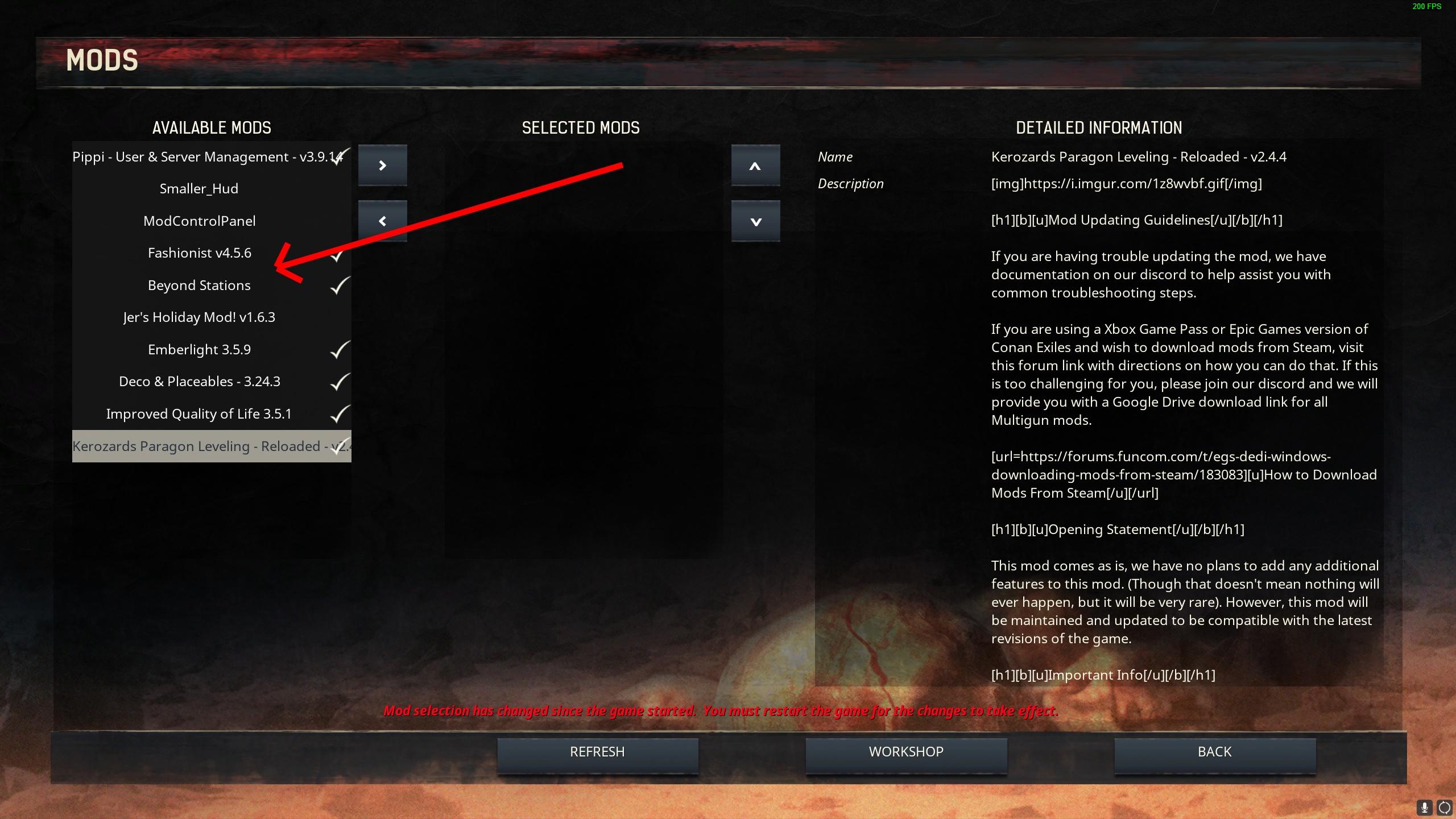
You’ll have to start a new game. With that checked and starting an old game no matter what you did the game was just going to redownload the used mods.
If you subscribe to a mod, it will download along with the game files, but not be saved with them.
To find them you might check the mods folder for a file mods.txt which has the names and folders.
That to manually uninstall.
But you can also use the mods section of the launcher and AFTER you unsubbed to all mods you want to unsub, you remove them from the list if they are there.
I am sure that works because I do that a lot while testing my mods. If it is not going, it might have a problem with permissions. If you store steam games on the program files folder, steam might not have the permission to delete files that in “theory” it is the game that installs there. “Might”, because that is not always the case.
But in general, unsubbing and removing them from the list of mods in your launcher will remove them from your machine.